Part3-10 tf.data, load image&make batch1
tf.data사용방법
단점 : 복잡하고 커스터마이즈 해야함 (generate 대비)
장점 : 커스터마이즈를 다양하게 사용할 수 있음
data load
data_path = glob('dataset/cifar/train/*.png')
data_path[0]
>>> 'dataset/cifar/train\\0_frog.png'

path = data_path[0]
path
>>> 'dataset/cifar/train\\0_frog.png'

gfile = tf.io.read_file(path)
image = tf.io.decode_image(gfile)
image.shape
>>> TensorShape([32, 32, 3])

plt.title(os.path.basename(path))
plt.imshow(image)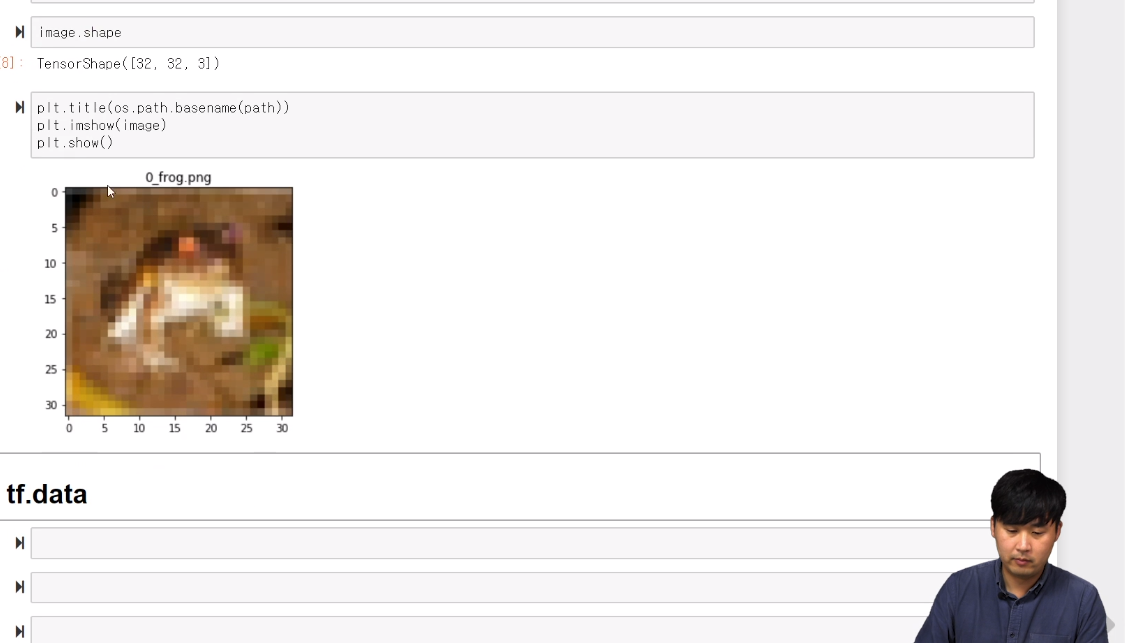
tf.data
 # generator 사용과 달리 image를 읽을수 있게 해줘야함
def read_image(path):
    gfile = tf.io.read_file(path)
    image = tf.io.decode_image(gfile)
    return image
dataset = tf.data.Dataset.from_tensor_slices(data_path)
dataset = dataset.map(read_image)

tf_image = next(iter(dataset))
tf_image.shape
>>> TensorShape([32, 32, 3])
batch로 묶기
dataset = dataset.batch(batch_size)

tf_image = next(iter(dataset))
tf_image.shape
>>> TensorShape([8, 32, 32, 3])
shuffle
 # buffer_size얼만큼 넣어줘야 하는지 정해진 것은 없음. 낮으면 느리고, 높으면 빠름,
 # 공식홈페이지는 train 개수 만큼으로 지정
dataset = dataset.shuffle(buffer_size = len(data_path))

#shuffle때문에 다소 오래걸림
tf_images = next(iter(dataset))

plt.imshow(tf_images[0])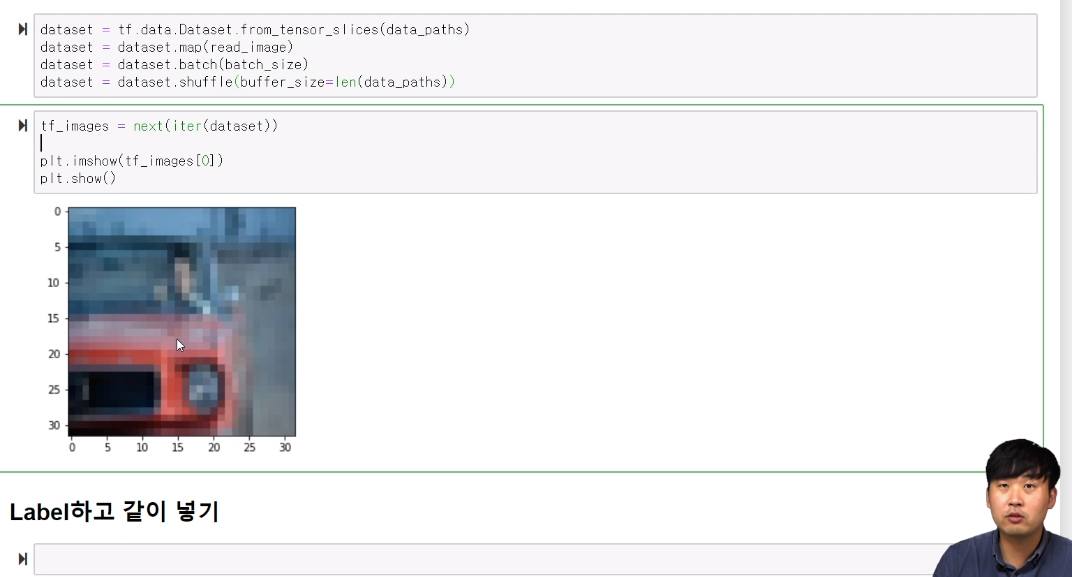
label 넣기
def get_label(path):
    class_name = path.split('_')[-1].replace('.png',"")
    return class_name
 # 리스트 컴프리핸션으로 label획득
label_names = [get_label(path) for path in data_path]
label_names[:5]
>>> ['frog', 'automobile', 'frog', 'frog', 'ship']
 # onehotecoding을 위한 class명 획득
class_names = np.unique(label_names)
class_names
>>> array(['airplane', 'automobile', 'bird', 'cat', 'deer', 'dog', 'frog',
       'horse', 'ship', 'truck'], dtype='<U10')
Part3-11 tf.data, load image&make batch2
onehot-encoding
keras.utils.to_categorical을 사용해도 가능
onehot_encoding = np.array(class_names == 'frog', np.uint8)
onehot_encoding
>>> array([0, 0, 0, 0, 0, 0, 1, 0, 0, 0], dtype=uint8)
#input이 2개가 됐으므로 이전과 같은 방법으로는 안됨 (함수수정)
#label도 같이 받는 방법으로 교체
def read_image(path,label):
gfile = tf.io.read_file(path)
image = tf.io.decode_image(gfile)
return image, label
dataset = tf.data.Dataset.from_tensor_slices((data_path, label_names))
dataset = dataset.map(read_image)
dataset = dataset.batch(batch_size)
dataset = dataset.repeat() #없으면 1에폭만 진행
image, label = next(iter(dataset))
image.shape, label.shape
>>> (TensorShape([8, 32, 32, 3]), TensorShape([8]))
#레이블넣어서 출력
plt.imshow(image[0])
plt.title(np.array(label[0]))
tensorflow 함수로 label얻기
 #오류상황 tensor와 array를 비교한 결과가 list로 반환되지 않음
 #해결책 cls_name을 numpy로 변환 후 utf-8로 디코딩
class_names == cls_name
cls_name.numpy() #numpy후 byte로 리턴
>>> b'frog'
cls_name= cls_name.numpy().decode("utf-8") #바이트를 변환
cls_name
>>> 'frog'
 # 함수화 했을때 'Tensor' object has no attribute 'numpy' 오류 발생
 왜이럴까...
정상작동의 경우
def get_label(path):
    fname = tf.strings.split(path,'_')[-1]
    cls_name = tf.strings.regex_replace(fname,'.png','')
    cls_name= cls_name.numpy().decode("utf-8")
    onehot_encoding = tf.cast(class_names == cls_name,tf.uint8)
    return onehot_encoding

def read_image_label(path):
    # read image
    gfile = tf.io.read_file(path)
    image = tf.io.decode_image(gfile)

    # get label
    label = get_label(path)
    return image,label

dataset = tf.data.Dataset.from_tensor_slices(data_path)
dataset = dataset.map(read_image_label)
dataset = dataset.batch(batch_size)
dataset = dataset.repeat()

image, label = next(iter(dataset))
image.shape, label.shape
...?
일부러 동일한 버젼의 tensorflow를 설치했음에도 불구하고 코드 구현이 안되서 1차당황
2차로는 질문할 곳에 없어서 당황
'책&강의 학습 > 올인원 패키지 :딥러닝&인공지능' 카테고리의 다른 글
| [패스트캠퍼스 수강 후기] 인공지능강의 100% 환급 챌린지 15회차 미션 (0) | 2020.07.13 |
|---|---|
| [패스트캠퍼스 수강 후기] 인공지능강의 100% 환급 챌린지 14회차 미션 (0) | 2020.07.12 |
| [패스트캠퍼스 수강 후기] 인공지능강의 100% 환급 챌린지 12회차 미션 (0) | 2020.07.10 |
| [패스트캠퍼스 수강 후기] 인공지능강의 100% 환급 챌린지 11회차 미션 (0) | 2020.07.09 |
| [패스트캠퍼스 수강 후기] 인공지능강의 100% 환급 챌린지 10회차 미션 (0) | 2020.07.08 |


댓글